Rust · Open source · MIT

道場 dojo

Coding-interview practice in your terminal, solved in your own editor. Pick a question, write the solution where you write all your code, and dojo re-runs the tests every time you save. It times you, tracks what you've mastered, and tells you what to practice next.

One session in real time: first-run setup, /solve two sum, the problem in nvim, a failing save, /hint, the fix, /submit, then /report.

500

questions

6

languages

151 / 276 / 73

easy / medium / hard

0

accounts needed

01

Why dojo

Your editor, your setup

No browser textarea. dojo opens the question in vim, VS Code or whatever you use, and every save runs the visible tests.

Honest practice

A timer against each question's target time, hints only when you ask, and the explained solution only when you give up. All of it counts toward how well you know a topic.

Knows your gaps

Mastery per topic and per company, weighted toward what you did recently, and a suggested next question aimed at your weakest topic.

Offline and private

One binary and a local SQLite file. No account, and nothing leaves your machine.

Solve in Python JavaScript TypeScript Java C++ Go
02

A tour

01 First run

Pick your editor and language once. dojo lists the editors it finds and checks your toolchains.
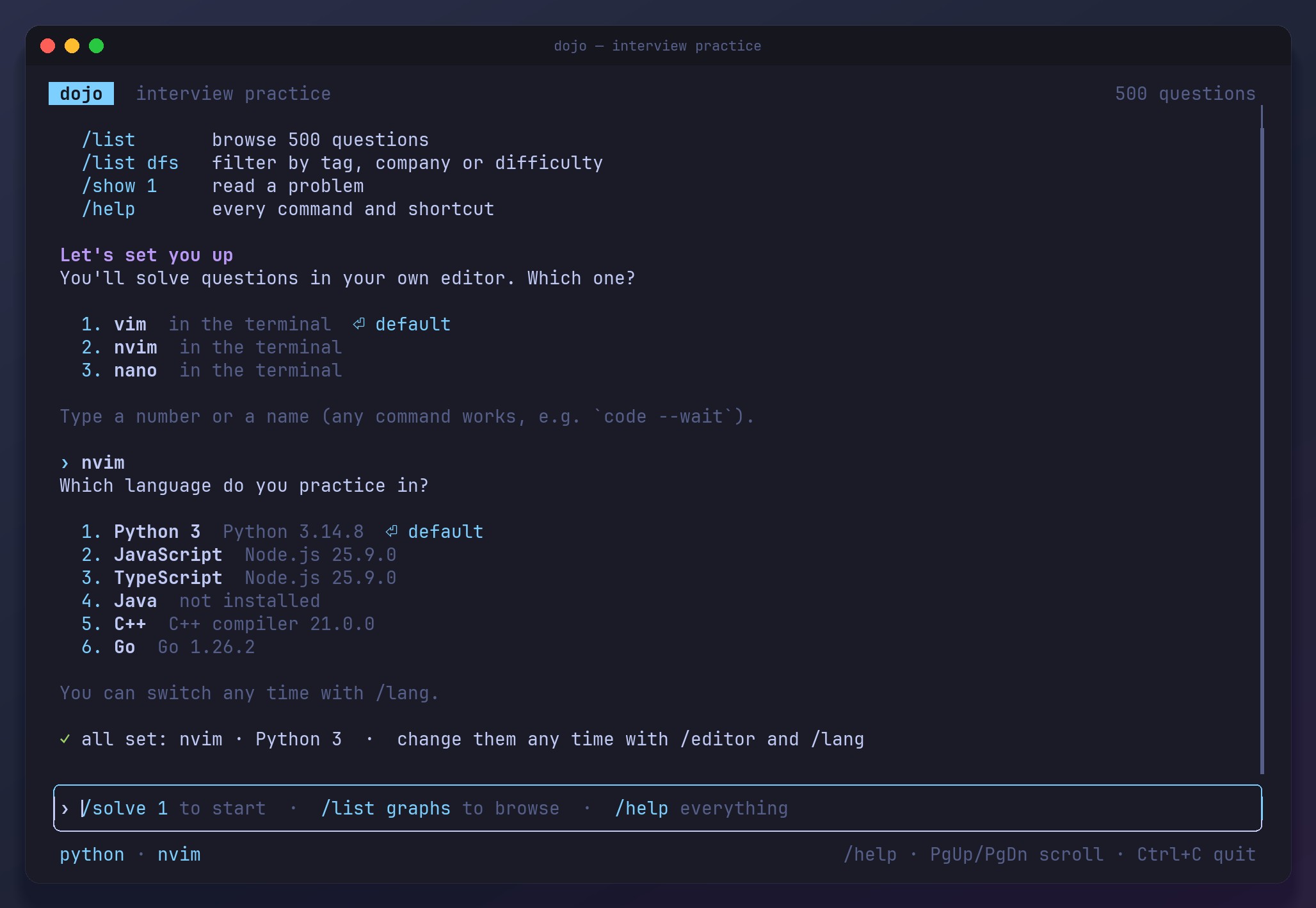
First-run setup: nvim chosen as the editor and Python 3 as the language

02 Read

/solve shows the problem and starts the timer. Press Enter when you are ready to code.
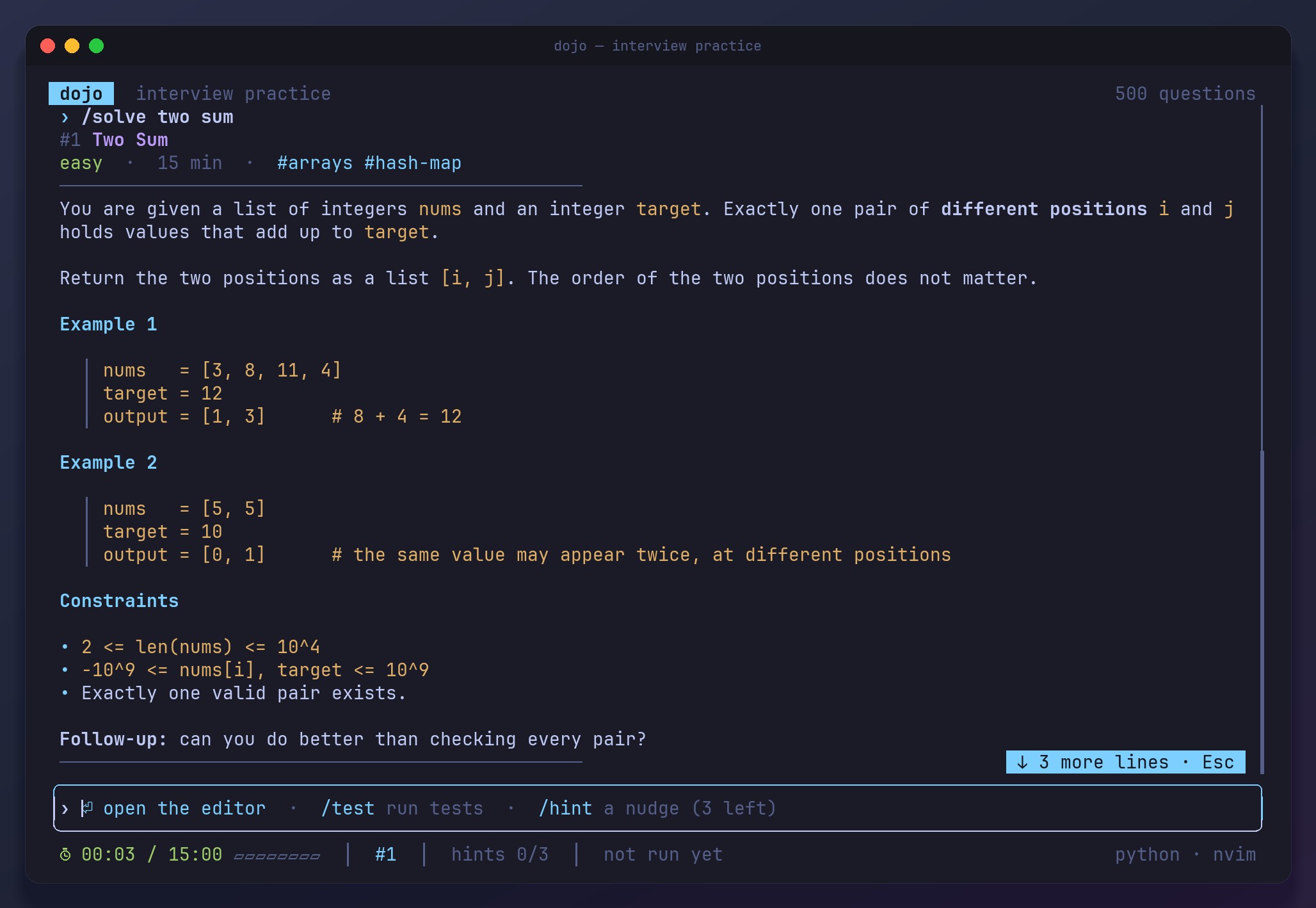
The Two Sum statement with examples and constraints, the timer running, and the prompt offering to open the editor

03 Write

Your editor opens on a fresh file with the problem in a comment on top, so it stays in view while you work.
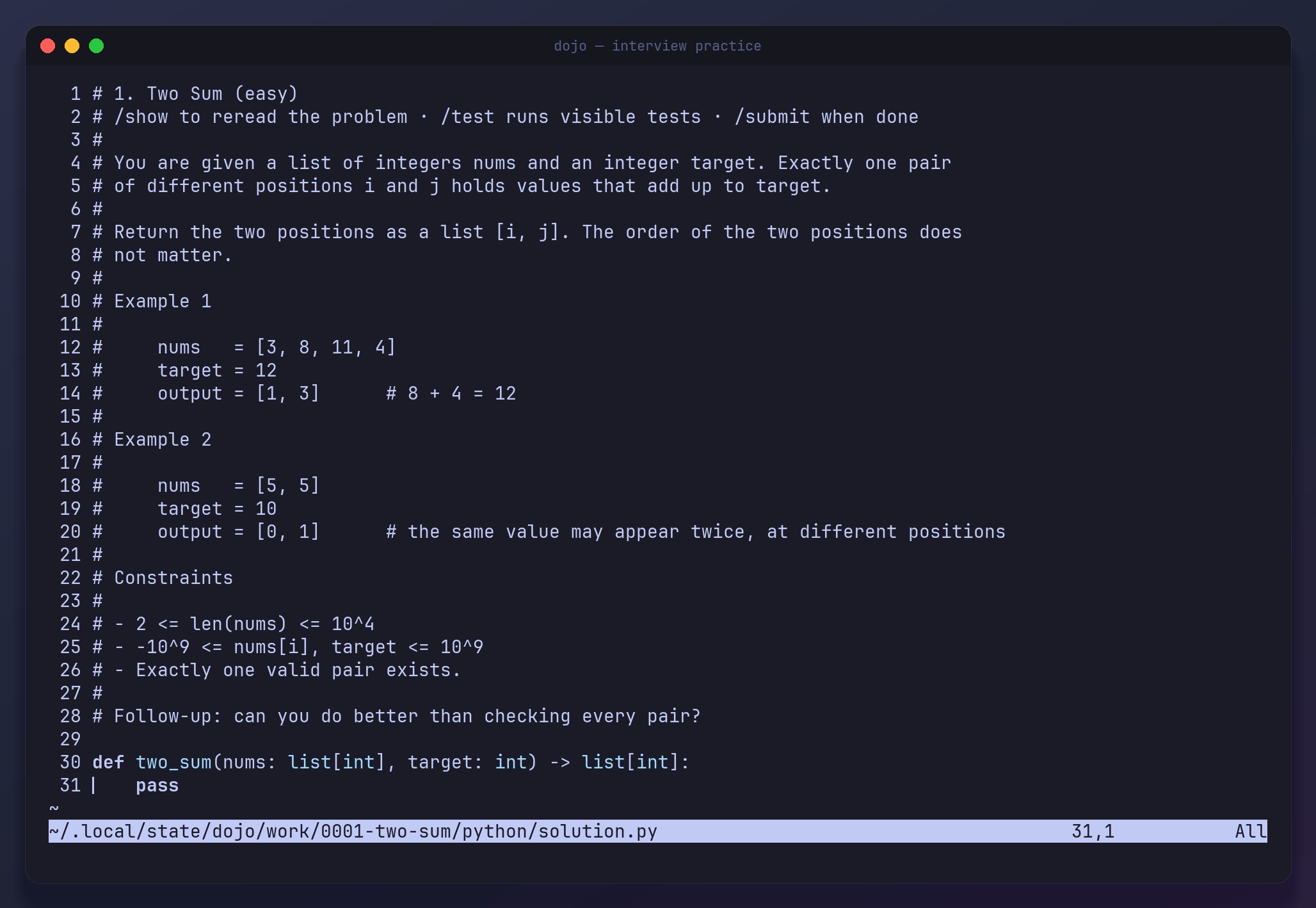
nvim with the Two Sum problem as comments at the top of the file and a hash-map solution below

04 Test

Every save runs the visible tests. A failing case shows the input, what was expected and what you returned.

Two of three visible tests passing; the failing case shows the expected [0,1] and the returned [0,0]

05 Submit

/submit runs the hidden tests too, then records your time, runs and hints.
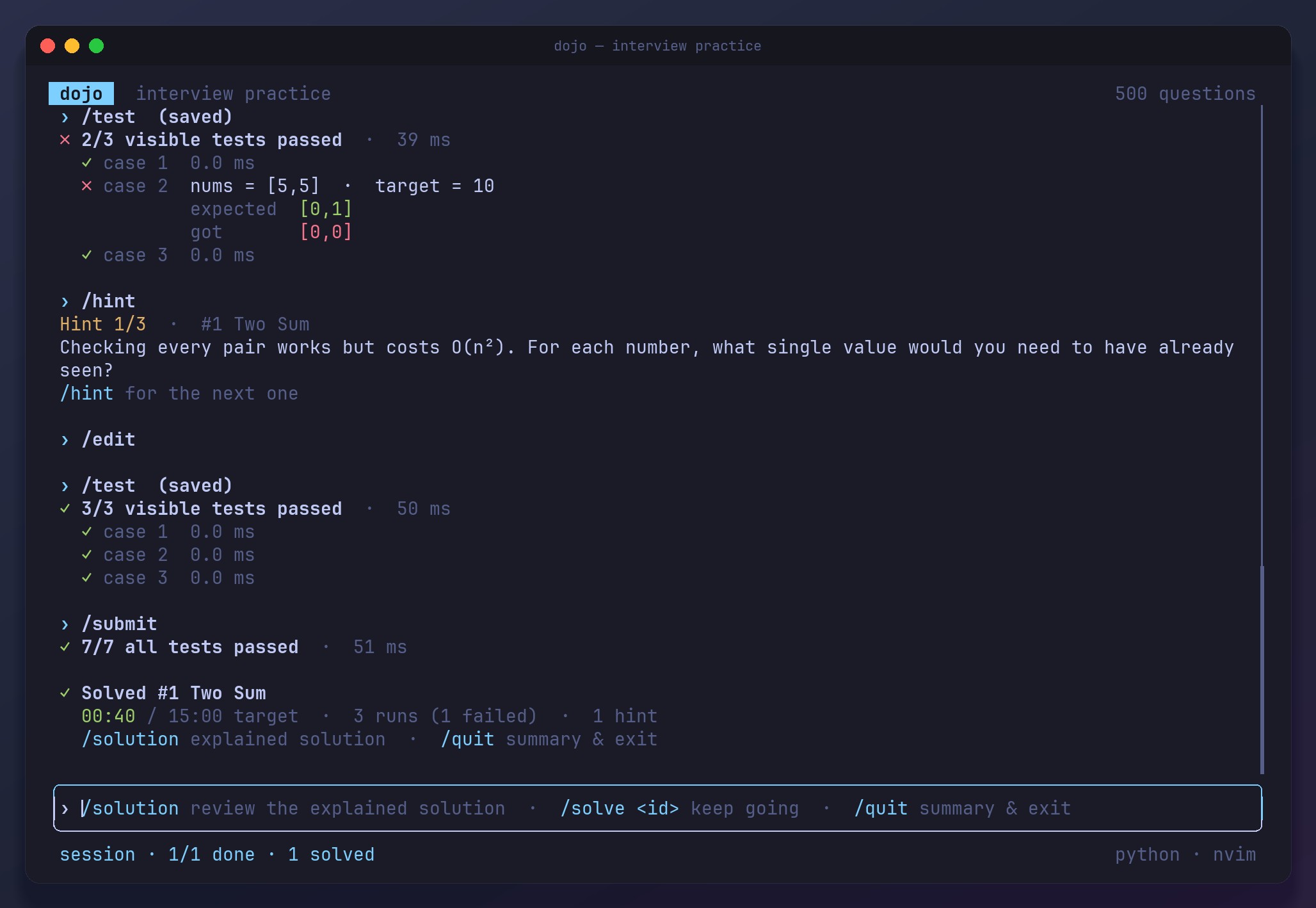
All 7 tests passing, then Solved #1 Two Sum in 00:40 against a 15:00 target, with 3 runs and 1 hint

06 Browse

Every question is tagged by topic, company and difficulty, and /list filters on any of them.
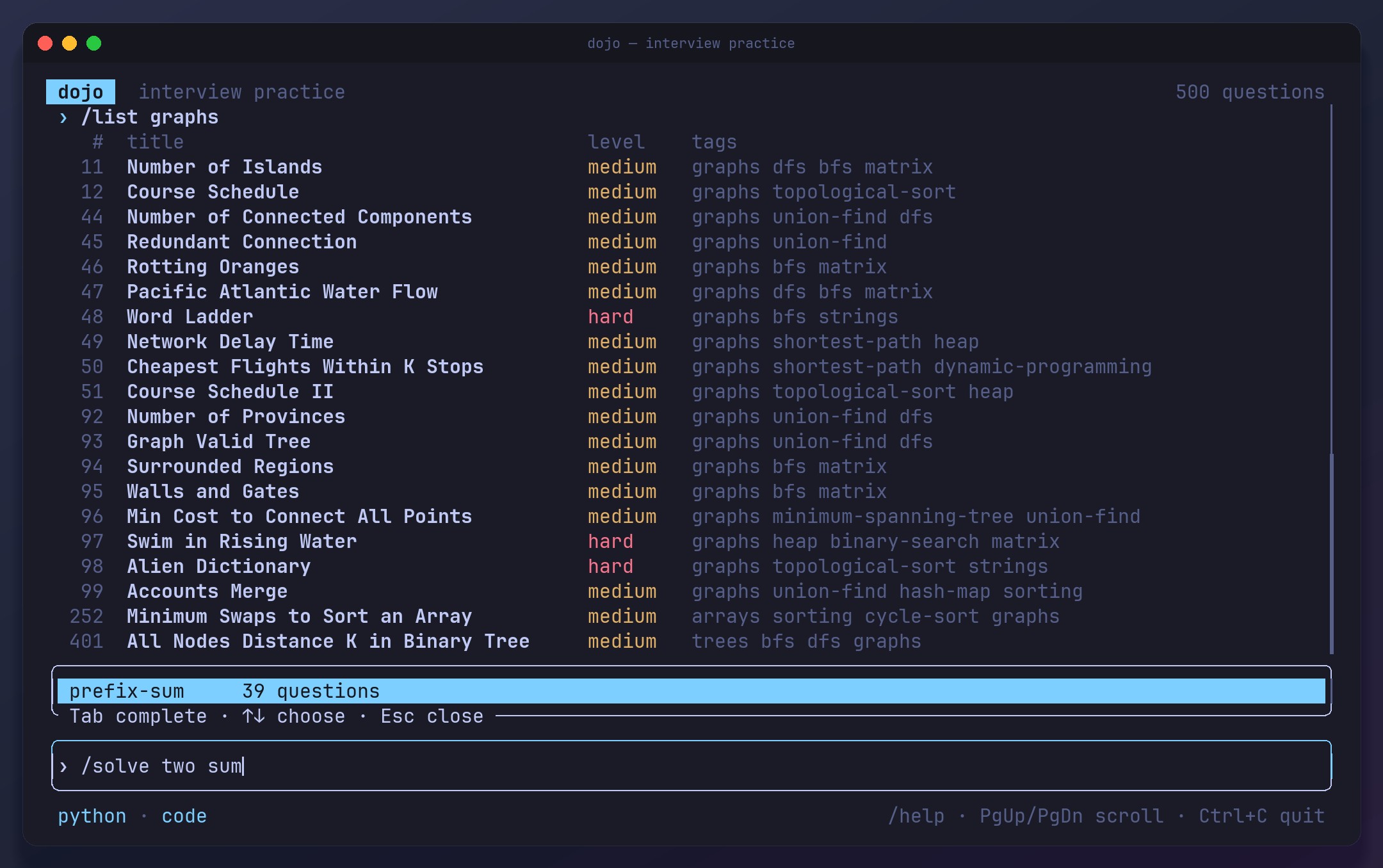
/list graphs showing graph questions with their difficulty and tags

07 Report

What you have solved, how fast, your activity, and the questions worth doing next.
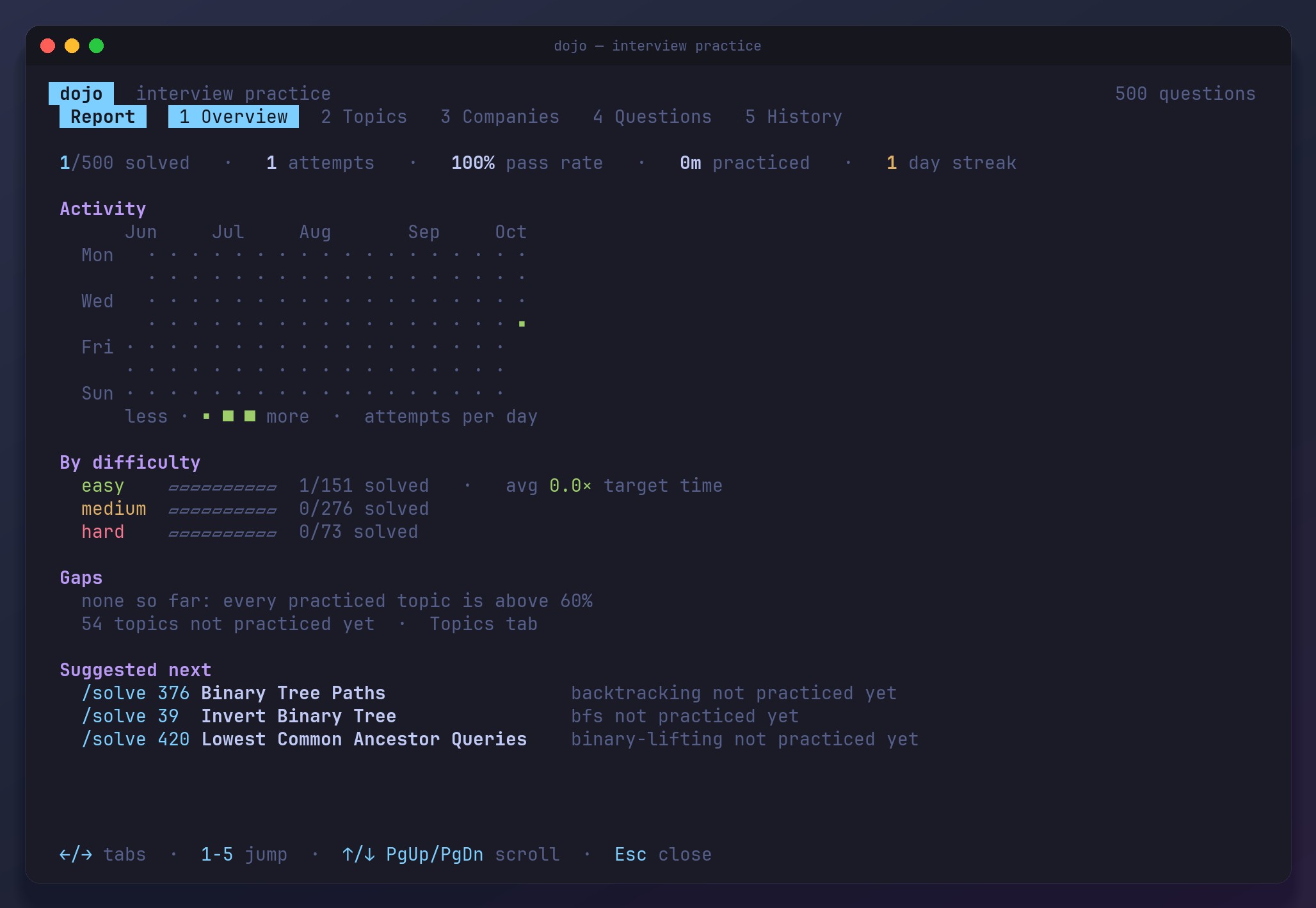
The report overview: solved count, pass rate, an activity grid, results by difficulty and suggested next questions

08 Topics

Every topic ranked by mastery, with how much evidence sits behind each score.
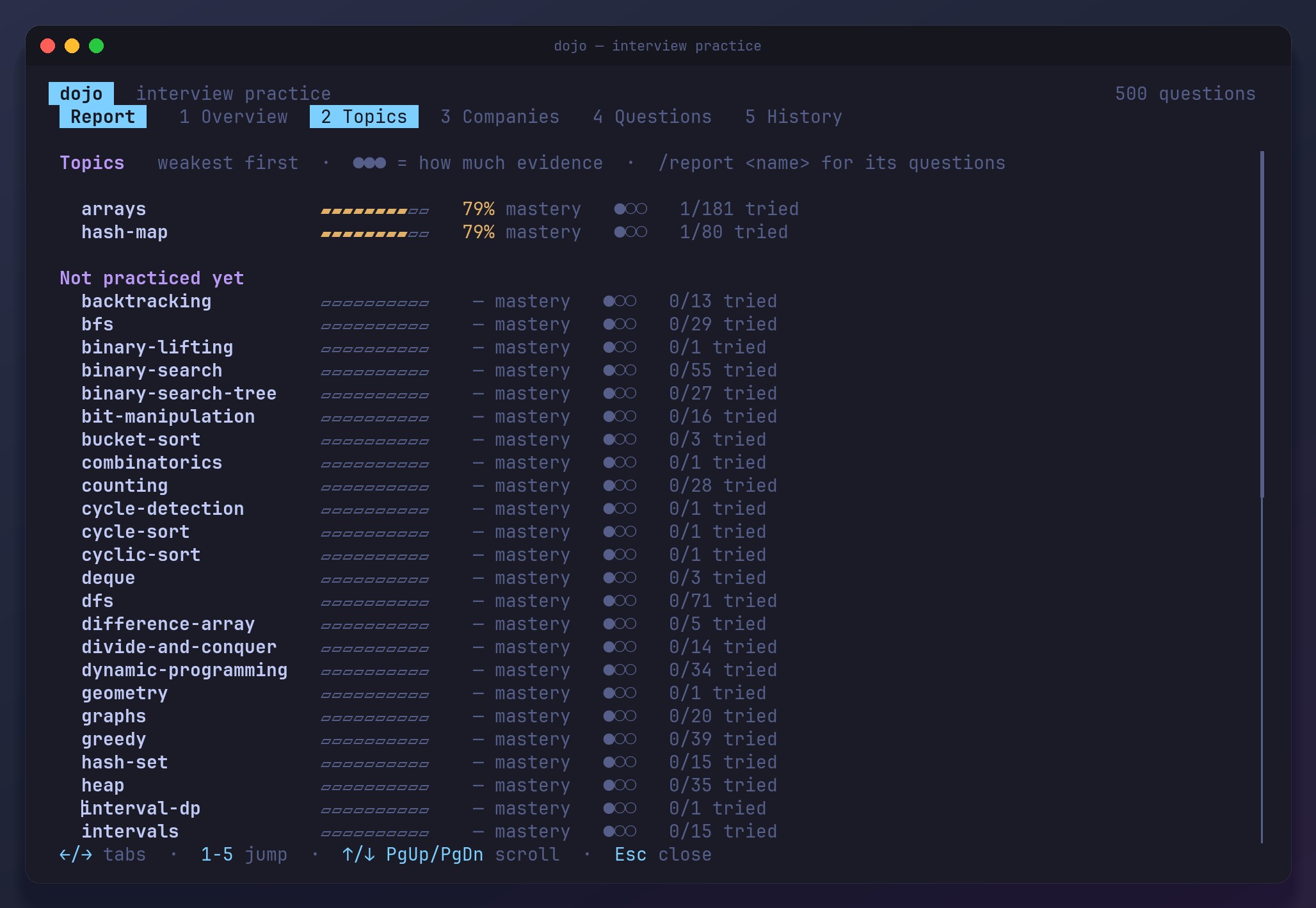
The Topics tab ranking topics weakest first, with mastery bars and evidence dots
03

Install

Homebrew · macOS and Linux

brew install abahocodes/tap/dojo

Install script

curl --proto '=https' --tlsv1.2 -LsSf \
  https://github.com/abahocodes/dojo/releases/latest/download/dojo-installer.sh | sh

Prebuilt binaries for macOS (Apple silicon and Intel) and Linux (x86_64 and arm64) are on the releases page. You also need the toolchain for the language you solve in: Python 3.10+, Node.js 18+, a JDK 17+, a C++17 compiler or Go 1.21+.

Then run dojo and type

/solve 1 start on question 1 (or a slug, or search words)
/solve graphs -n 3 three graph questions in a row
/solve need the questions that close your biggest gaps
/hint a nudge, three per question
/submit run the hidden tests too
/report mastery by topic, company and difficulty